What does Cybersecurity Career Finder actually give you?
Instead of asking you to imagine the value, here are realistic product-style examples of the email digest, XLSX report and review workflow. The data below is illustrative and uses fictional employers and roles.
A closer look at CSCF · Press play for sound
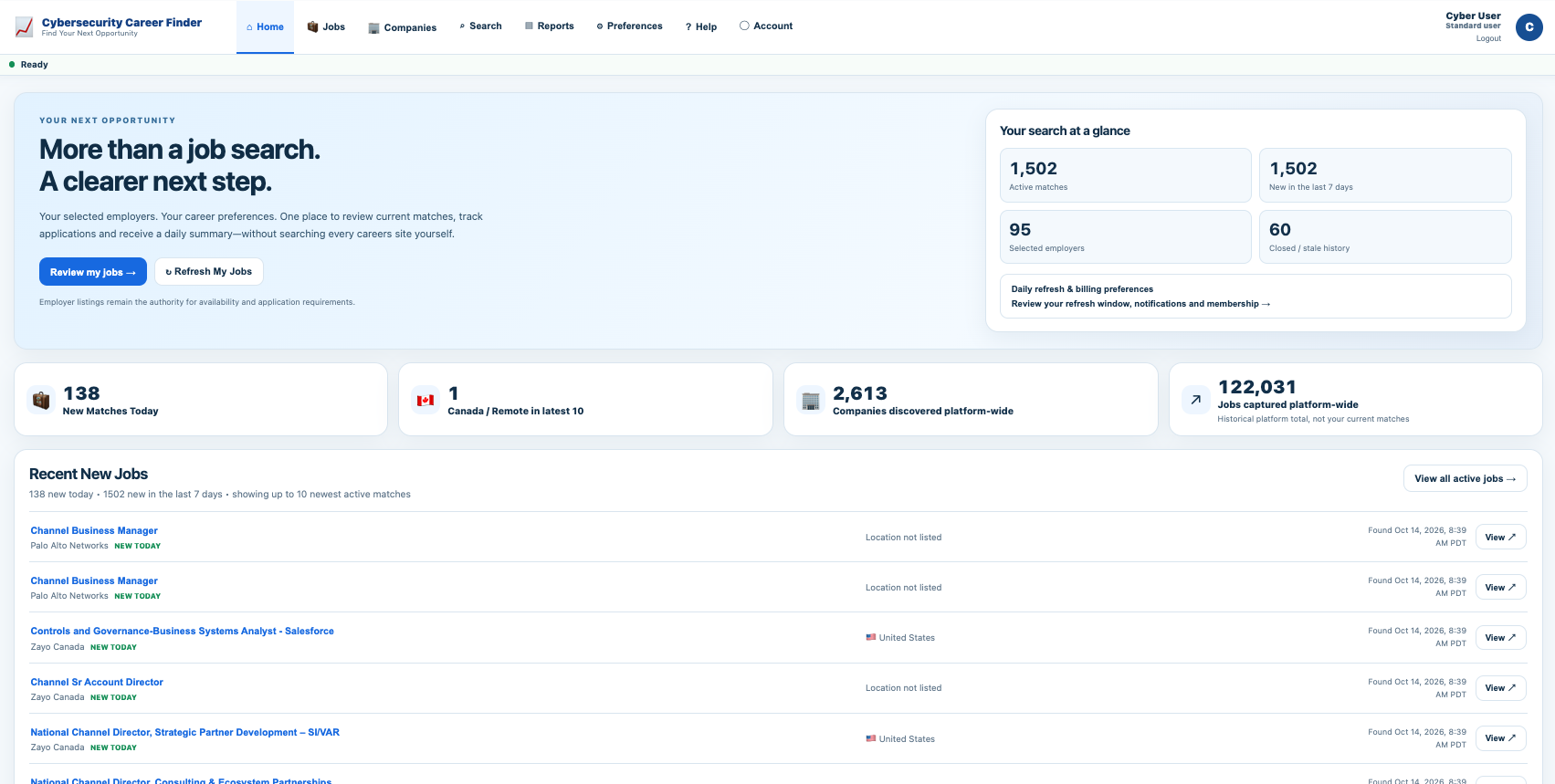 ↗ Click to explore full screen
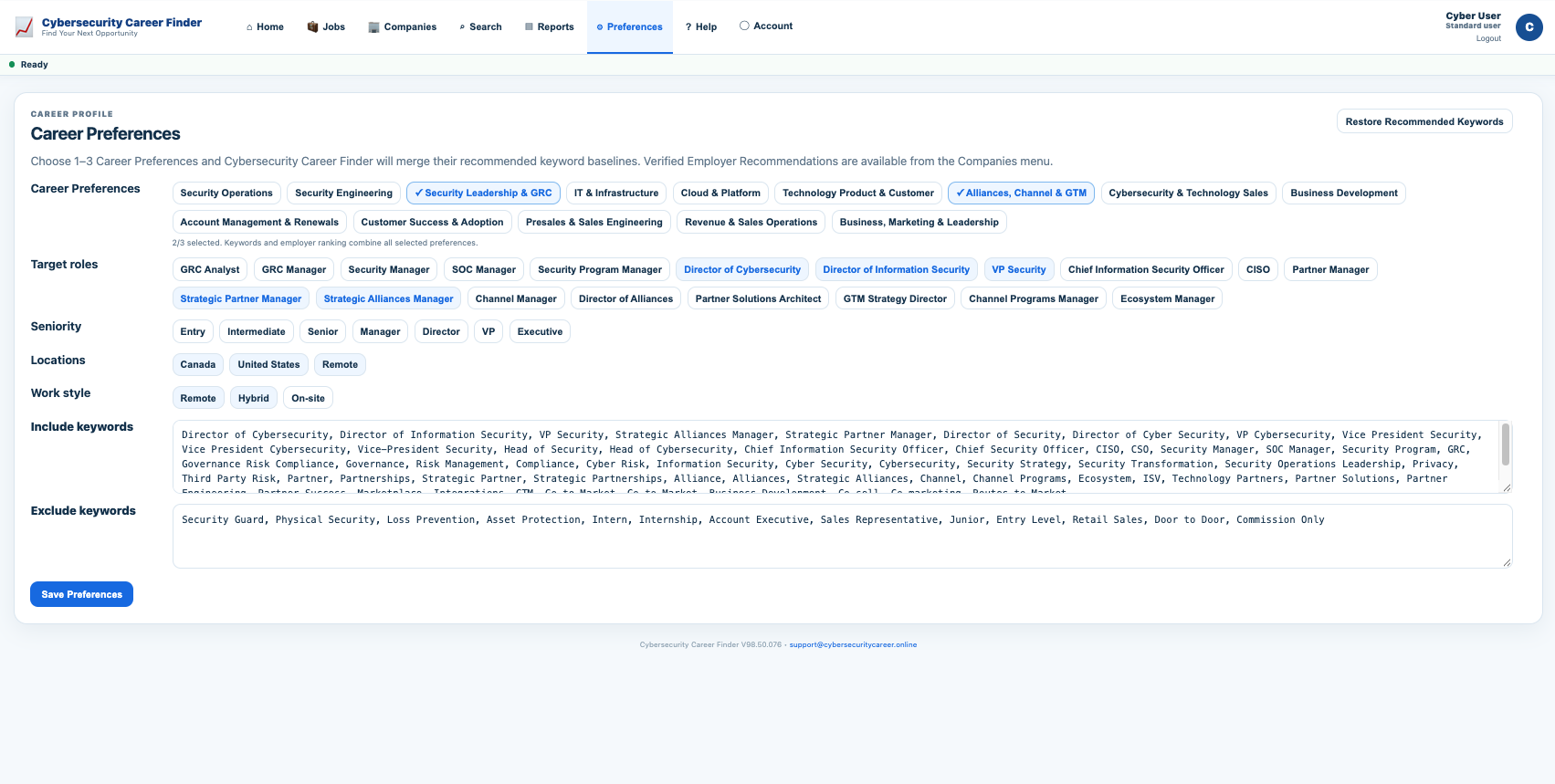 ↗ Click to explore full screen
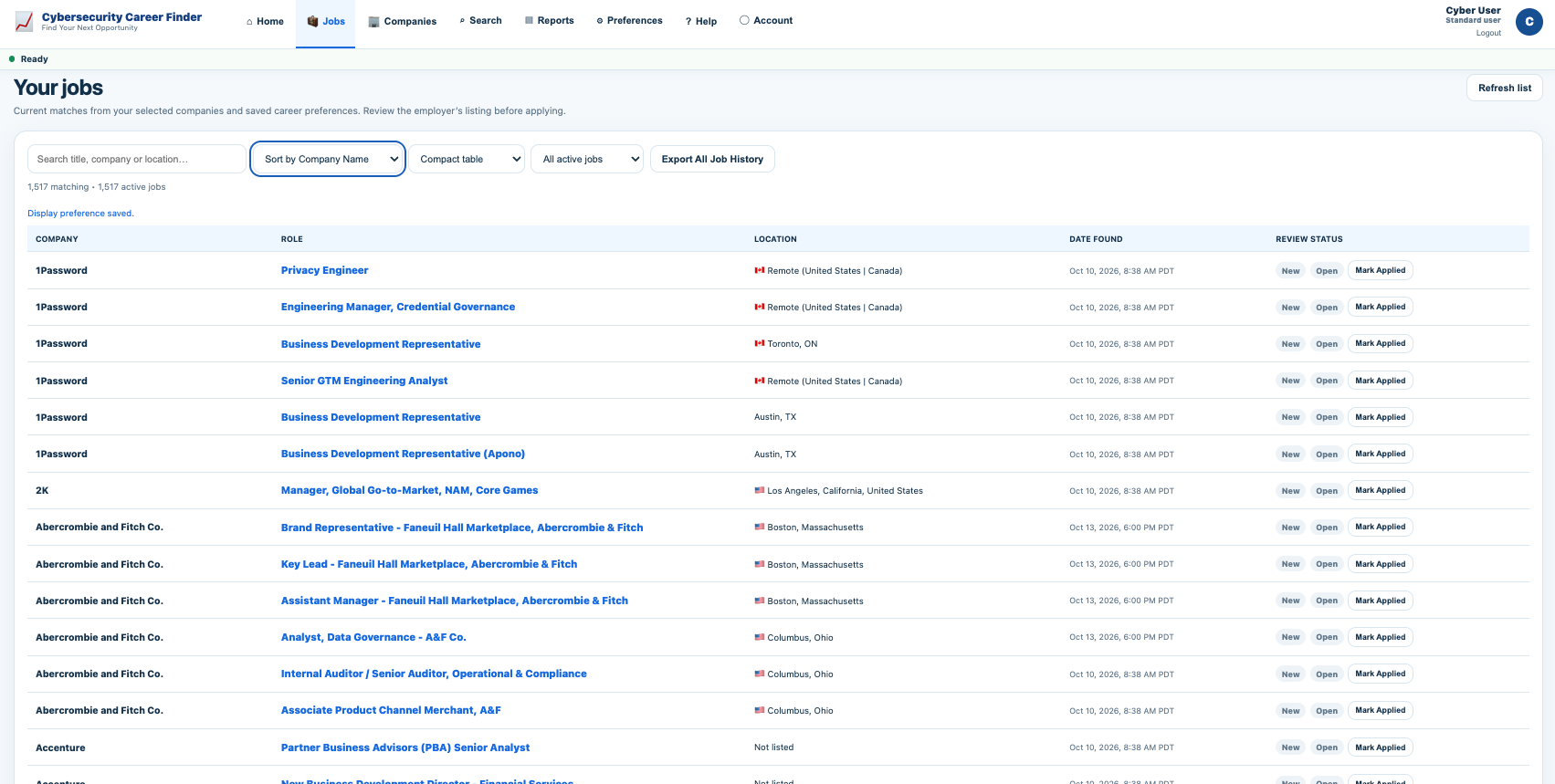 ↗ Click to explore full screen
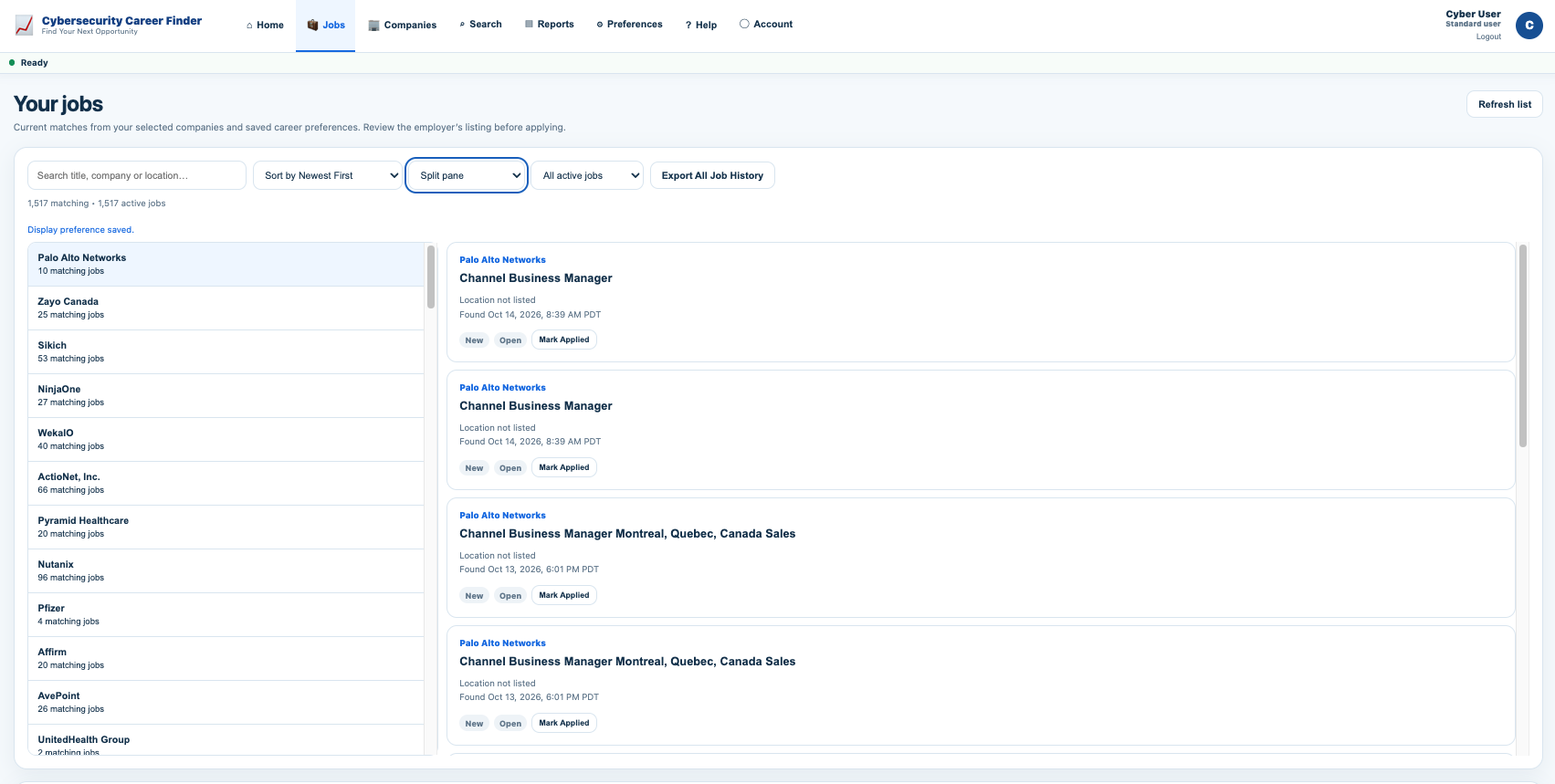 ↗ Click to explore full screen
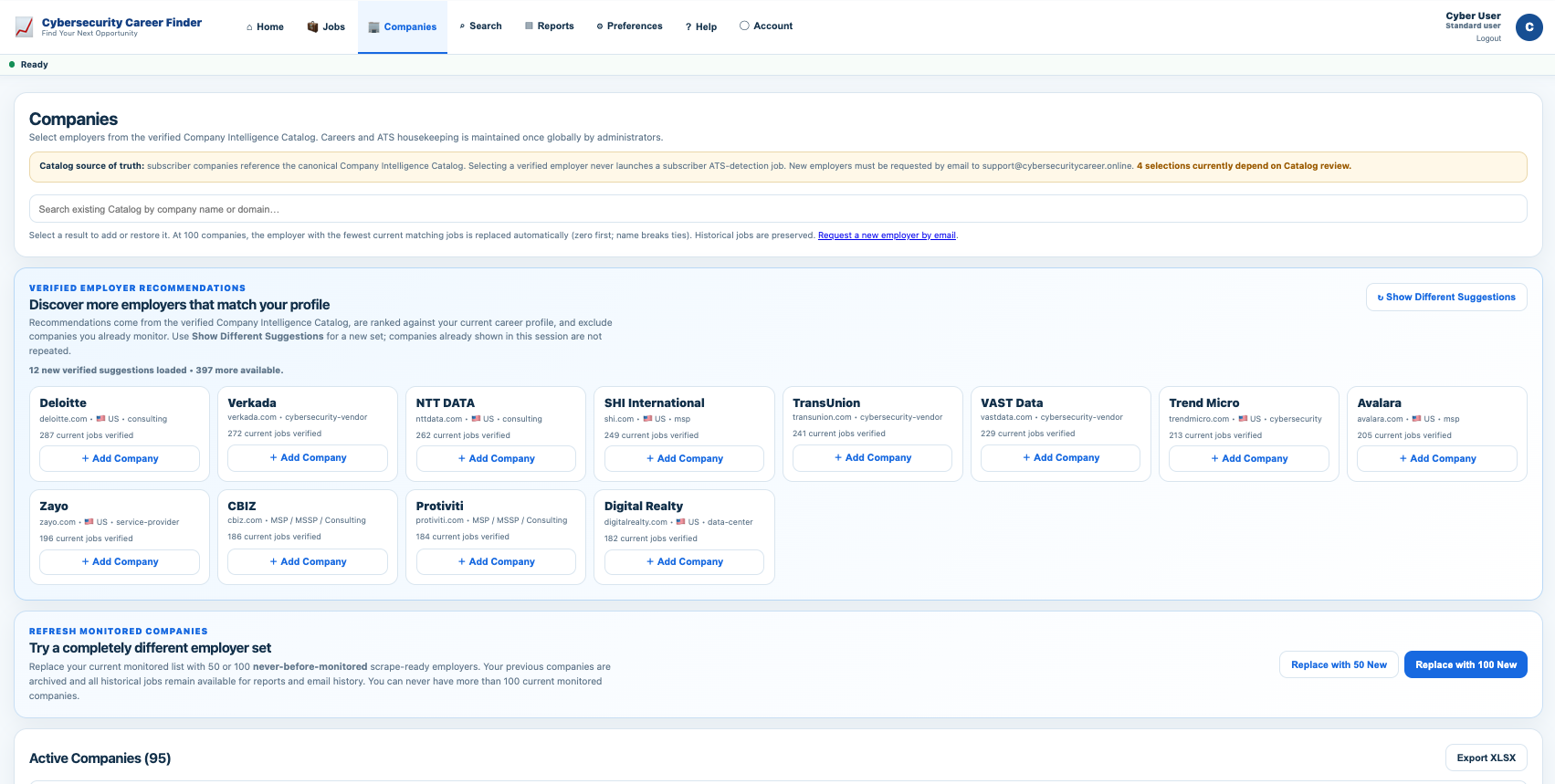 ↗ Click to explore full screen
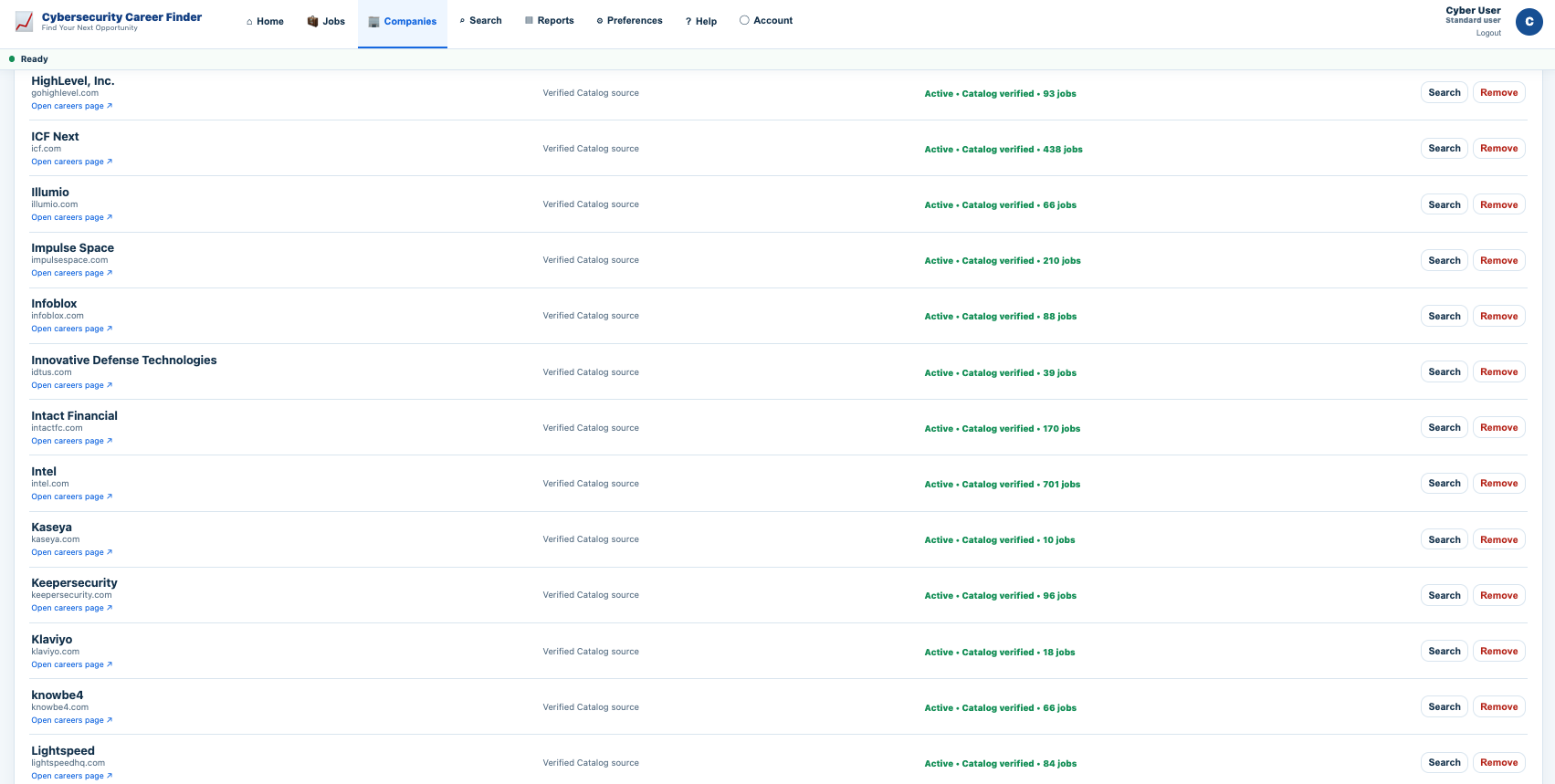 ↗ Click to explore full screen
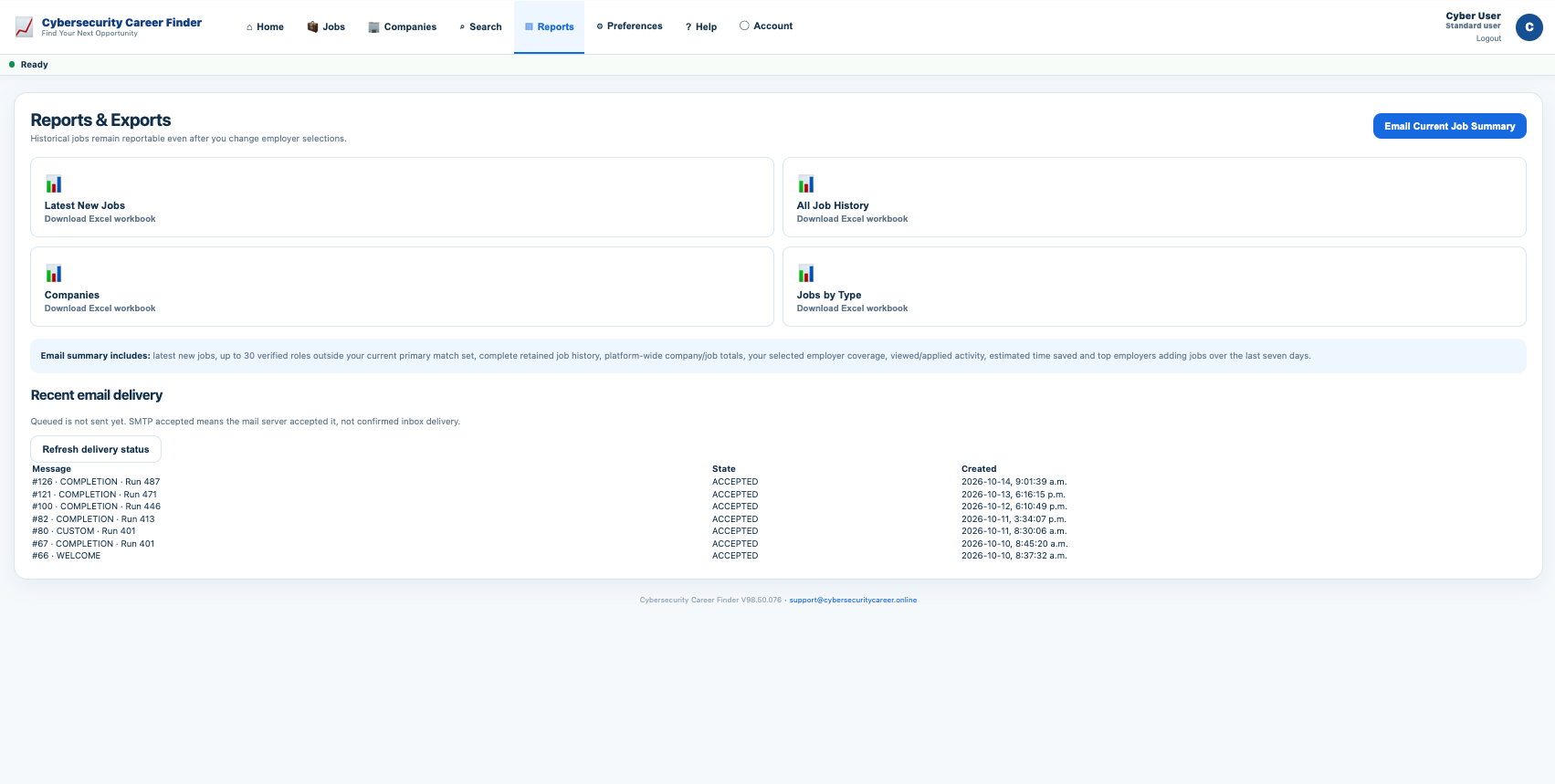 ↗ Click to explore full screen
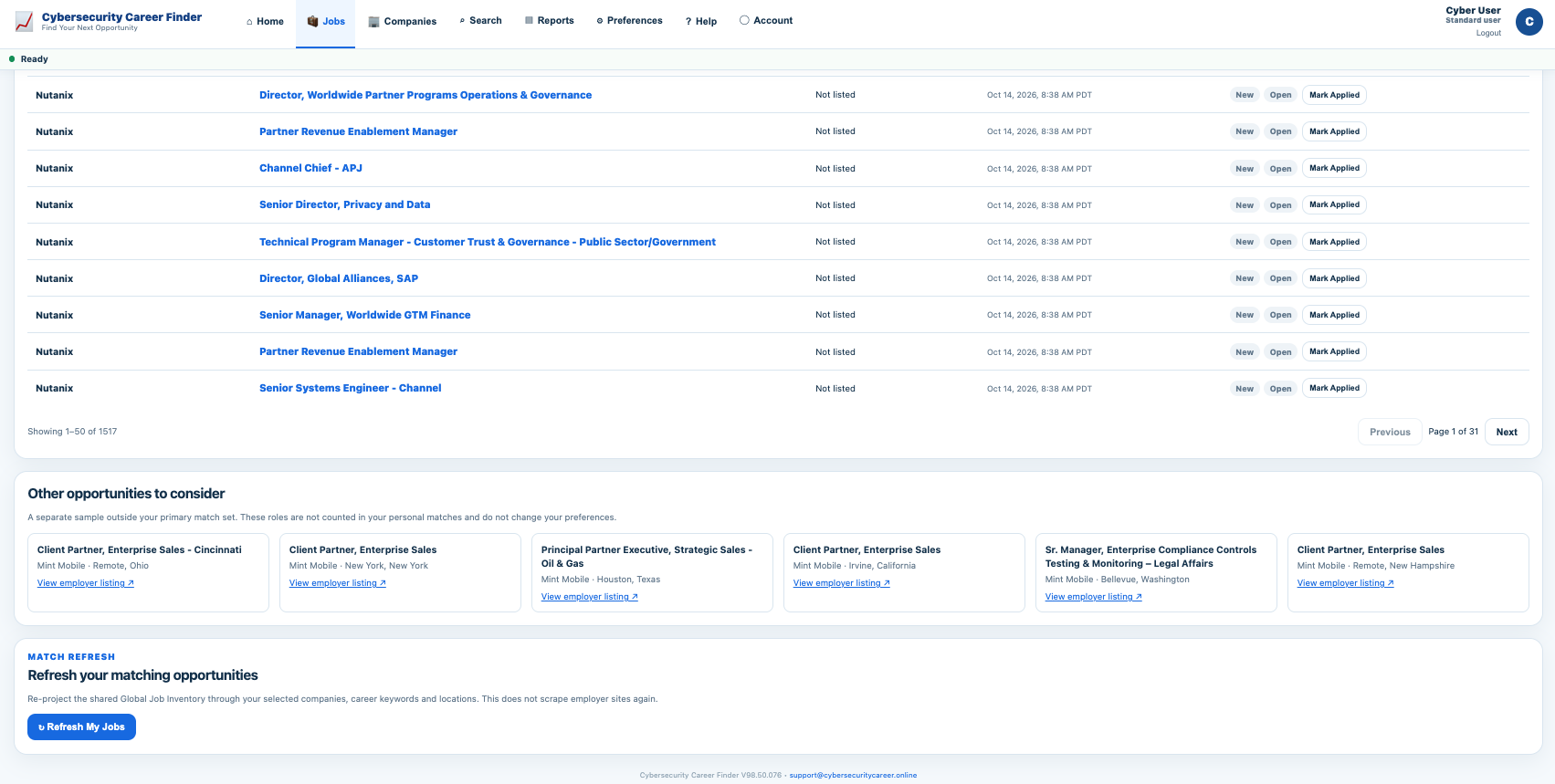 ↗ Click to explore full screen
Your search at a glance
Review recent matches, new discoveries and the employers you follow in one place.
See how your search comes together.
Actual CSCF screens supplied October 14, 2026. These are captured examples, not a live vacancy feed. Jobs, counts, dates and locations may have changed.
NEW JOBS TODAY. Not every old job, over and over.
Your actual Jobs screen organizes new matches and ongoing openings, and connects you with the employer's application page. These wireframe previews depict interface concepts, not live user data or verified current vacancy counts.
| Role family | Source | Status |
|---|---|---|
| Regional Sales Director | Employer ATS | New |
| Account Manager | Employer careers | New |
| Cloud Security Engineer | Employer ATS | New |
Interface illustration; titles are examples of career categories, not claims of real live openings.
Subject: Your newly discovered employer jobs
Here's what's new from the employers you follow. Review the matching openings and apply at the company source.
Account Management · Enterprise Sales · Security Engineering
Email layout illustration, not a sent message or performance claim.
Jobs | NewJobs | IgnoredJobs | Reports
| Company | Role | First seen |
|---|---|---|
| Employer record | Matching vacancy | New |
| Employer record | Current vacancy | Previously seen |
Download the existing sample XLSX →
Workbook is an illustrative existing sample, not a production export.
Open one digest instead of dozens of career tabs.
The goal is simple: surface what is new, show where it came from and keep enough history that you can make decisions quickly.
Cybersecurity Career Finder
Your newly discovered opportunities · Wednesday morning
Northstar Security
Director, Partner Security · Remote
Meridian Identity
Principal Solutions Architect — IAM · Toronto
Vector Risk
Senior Technical Account Manager · Remote
Summary · New Jobs · All Jobs · Companies
| Company | Role | Location | Status |
|---|---|---|---|
| Blue Harbor Cloud | Senior Product Manager — Cloud Security | Remote | NEW |
| Cobalt Cyber | Director, Customer Success | Canada | NEW |
| Fortress Data | Director, Professional Services | Remote | NEW |
Illustrative examples: employer names, job titles and counts on this page and in the downloadable workbook are fictional. They demonstrate product structure and workflow, not customer outcomes or guaranteed job volume.
Turn repeated searching into a repeatable review process.
Choose employers
Monitor up to 100 active employers that match your target market and career goals.
Automate the repetitive checking
The system revisits verified employer career sources and separates newly discovered roles from history.
Review newest roles first
Use compact, card or company-focused views to work the newest opportunities before older results.
Keep your history
Application status and previously seen jobs stay available even if you later refresh your monitored company set.
Searching one hundred employer sites manually is still one hundred separate searches.
Using the same assumption shown on the home page — about two minutes per employer site — one manual pass across 100 employers is roughly 200 minutes. If organized results take about 15 minutes to review, that example represents about 185 minutes of active searching avoided.
This is an illustrative workflow estimate, not a guarantee. Actual effort varies by employer site, role volume and how deeply you review each opportunity.